Screen Habits for Eyes Attention and Sleep
Screen discomfort, fractured attention and late-night alertness are related problems, not one blue-light problem.
 Claire DupontEveryday Health editor5 September 2026
Everyday Health · Practical guide
Screen discomfort, fractured attention and late-night alertness are related problems, not one blue-light problem. Adjust the task, environment and timing before buying a filter.
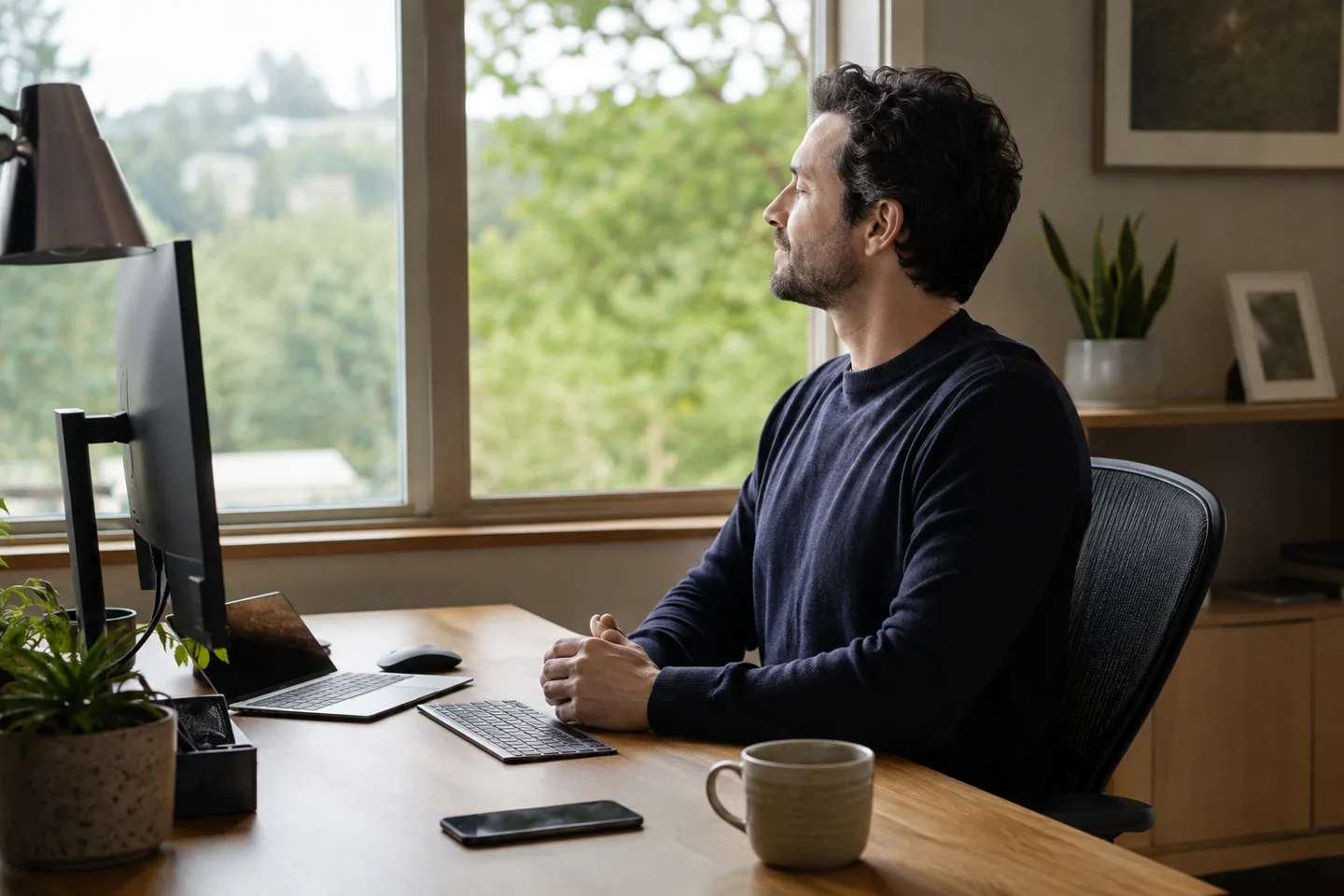
In short
- Digital eye strain commonly includes dryness, irritation, blur and headache; it does not mean ordinary screens are burning the retina.
- Look away regularly, blink fully, reduce glare and use a comfortable viewing distance and text size.
- Notifications and open loops tax attention independently of visual discomfort.
- Late screens can delay sleep through light, stimulation and displaced bedtime; blue-filtering glasses are not a universal fix.
Separate three problems
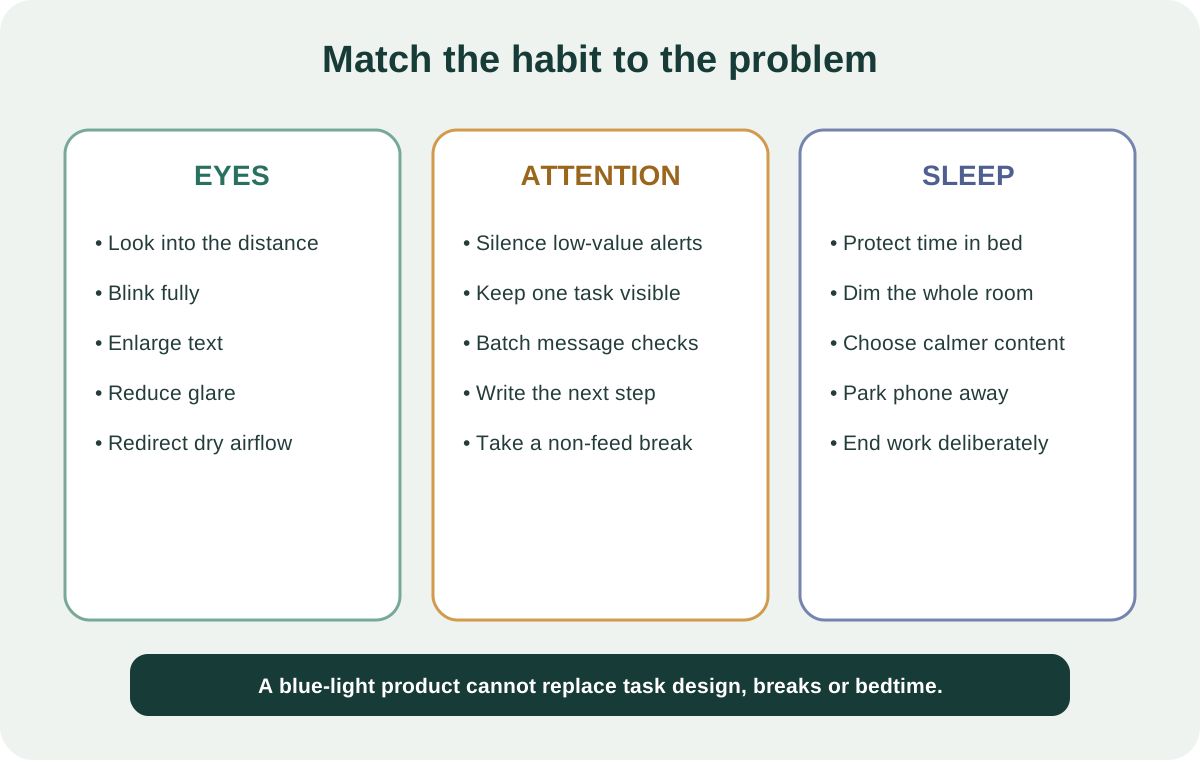
A long screen session can produce ocular symptoms, cognitive fragmentation and a late bedtime. Treating all three as “blue light” obscures useful levers. Eye discomfort is influenced by blink rate, dryness, glare, focus distance and ergonomics. Attention is influenced by alerts, switching and task design. Sleep is influenced by timing, brightness, content, arousal and whether the device displaces the time available for sleep.
One change may help more than one problem, but the mechanism matters. A walk away from the desk changes viewing distance, restores blinking, moves the body and interrupts mental perseveration. A tinted lens changes only part of the incoming spectrum.
For eye comfort: change the visual demand
Place the screen roughly an arm’s length away, then adjust for your vision and work. Enlarge text rather than leaning forward. Keep the top of a large monitor around or slightly below eye level, reduce reflections and balance screen brightness with the room. If air blows across your face, redirect it.
During concentrated viewing, people may blink less or incompletely. Use natural pauses to look at a distant object and make several gentle, complete blinks. The popular 20-20-20 rule is a memorable prompt, not a precisely proven medical dose. Any frequent, realistic break that changes focus and blinking may be useful.
Do not oversell blue-light products
A 2023 Cochrane review found that blue-light-filtering spectacle lenses may not reduce short-term computer eye-strain symptoms compared with non-filtering lenses. Evidence for sleep effects was mixed and uncertain. That does not mean evening light is irrelevant to circadian timing; it means a commercial lens is not the same intervention as reducing bright, stimulating, late-night screen use.
If a night-mode setting feels more comfortable, use it. Also lower overall brightness, increase room light earlier in the evening and avoid holding a bright phone close to the face in darkness. Comfort is a valid outcome, but claims of retinal protection or guaranteed sleep improvement need stronger evidence.
For attention: redesign the channel
Turn off alerts that do not require immediate action. Keep one primary window visible and set deliberate times for email and messaging. Full-screen focus modes help only if you trust that urgent matters have another route. A short written “next step” before switching reduces the need to rehearse the unfinished task mentally.
Breaks should not automatically become another feed. Scrolling changes content without giving attention a clean rest. Stand, look outside, refill water or breathe slowly for a minute. The aim is a genuine task transition.
For sleep: protect the final hour
Give yourself enough time in bed first. In the hour before sleep, lower bright artificial light and choose less activating tasks. Move charging away from the pillow, silence non-essential notifications and decide in advance where the evening screen session ends. The content matters: work conflict, competitive games and distressing news can sustain arousal even with a warm display.
If you need a device for relaxation, preselect audio or reading, reduce interaction and let the screen turn off. Shift workers and people using screens for accessibility may need different strategies; the goal is not moral purity but a workable cue for sleep.
A one-week reset
- Day 1: note when discomfort, drift and late use occur.
- Day 2: increase text size and remove glare.
- Day 3: add a distance-and-blink break at natural task boundaries.
- Day 4: disable one class of non-essential notifications.
- Day 5: write a next-step note before every planned switch.
- Days 6–7: choose a screen stopping point and dim the environment.
Track the symptom you are changing: dryness, headache, number of unplanned switches, bedtime or time to fall asleep. That is more informative than a single total “screen time” number.
When to get help
Persistent blur, eye pain, light sensitivity, double vision, frequent headaches or a sudden change in vision needs assessment. Dryness can have many causes, and an uncorrected prescription can make near work harder. Ongoing insomnia, severe daytime sleepiness or snoring with pauses in breathing also deserves clinical evaluation.